English
 Français
 Deutsch
 Русский
 Türkçe
 Español
 لالعربية
 Português
 Italiano
 ไทย
ไทย
How to Avoid Plastic Burning During Engraving With UV Cold Laser Marker
release time:
2026-07-28
Learn tips to prevent plastic burning during engraving.Use a professional UV laser marking machine and desktop UV laser marker to achieve clean,precise plastic laser marking without burning for workshop processing.
How to Avoid Plastic Burning During Engraving With UV Cold Laser Marker
Plastic engraving is prone to yellowing, scorch marks, and surface melting, even with UV laser equipment. Many small workshop operators struggle with inconsistent results, where fine plastic parts end up burned or deformed, leading to wasted materials and rejected orders. Although UV cold lasers are designed for heat-sensitive materials, proper operation and parameter setup are essential to achieve perfect plastic engraving results.
Choosing the right device is the first step to prevent burning. A professional desktop UV laser marker features precise cold-processing technology with ultra-fine laser beams and adjustable pulse parameters. Unlike high-heat fiber lasers, it removes surface materials through molecular ablation instead of thermal melting. Compact desktop models are ideal for small-batch plastic processing, offering stable energy output and flexible control for daily engraving tasks.
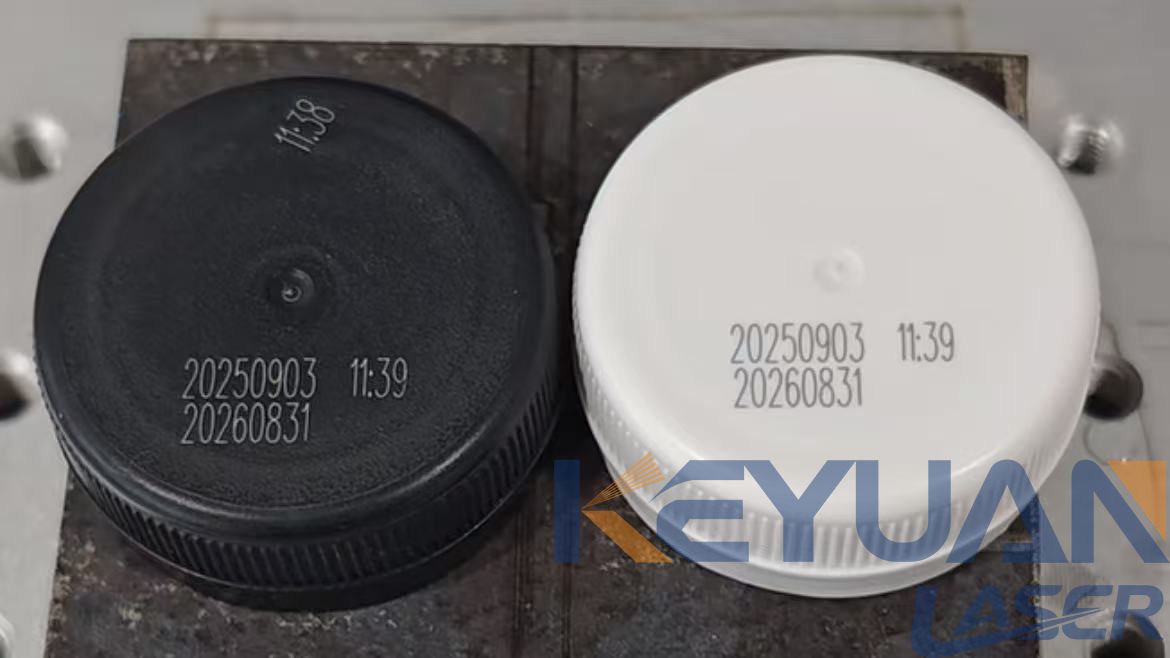
Reasonable parameter calibration is the core of plastic laser marking without burning. Excessive laser power, slow scanning speed, and dense line spacing will accumulate heat on plastic surfaces and cause scorching. Operators need to lower single-point energy, increase scanning speed, and optimize focal distance for different plastics such as ABS, PVC, and acrylic. Fine-tuned parameters ensure clear engraving patterns without thermal damage to the plastic substrate.
Standardized operation and pre-processing also greatly improve marking quality. Before engraving, cleaning dust, oil stains, and surface coatings on plastic parts avoids uneven laser absorption and local overheating. Maintaining a stable working environment and keeping the UV laser marking machine lens clean ensures consistent laser beam quality, eliminating partial burning and blurry patterns.
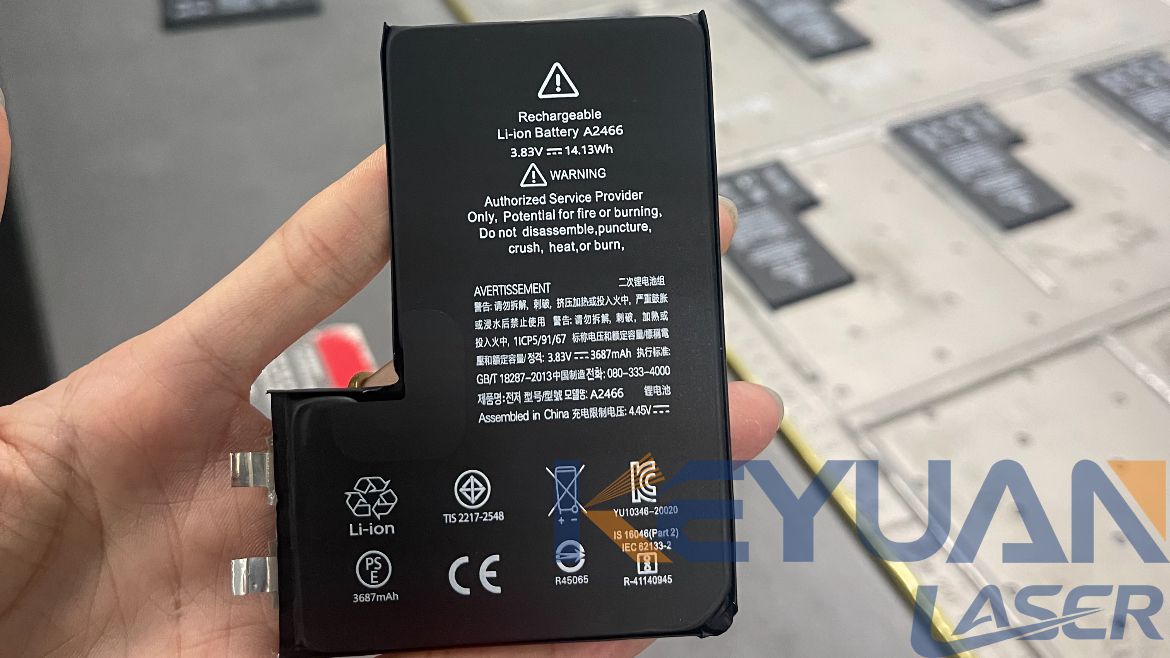
In summary, plastic burning issues are mostly caused by improper equipment selection and incorrect parameter settings. Using a calibrated desktop UV laser marker and following standardized processing steps allows workshops to achieve clean, smooth, and burn-free plastic engraving, reducing scrap rates and improving product competitiveness.
label:
related news


E-mail address:
Hotline:
Copyright © 2012-2026 Keyuan Laser All rights reserved