English
 Français
 Deutsch
 Русский
 Türkçe
 Español
 لالعربية
 Português
 Italiano
 ไทย
ไทย
What software does MOPA fiber laser use?
release time:
2026-06-27
MOPA fiber laser equipment performs well on steel color printing, copper and aluminum marking. Stable output, long service life, perfect for mass processing of metal ornaments and precision hardware.
What software does MOPA fiber laser use?
When you invest in a Desktop MOPA fiber laser marker or industrial-grade Color fiber laser marking machine, the bundled software directly determines how easy it is to operate your equipment, achieve consistent output quality, and unlock all of your laser’s advanced capabilities. Choosing the right software, and purchasing from a reliable Laser Marking Machine Supplier that provides full software support, will help you get the maximum return on your investment with minimal training time.
Common Software Options for MOPA Fiber Lasers
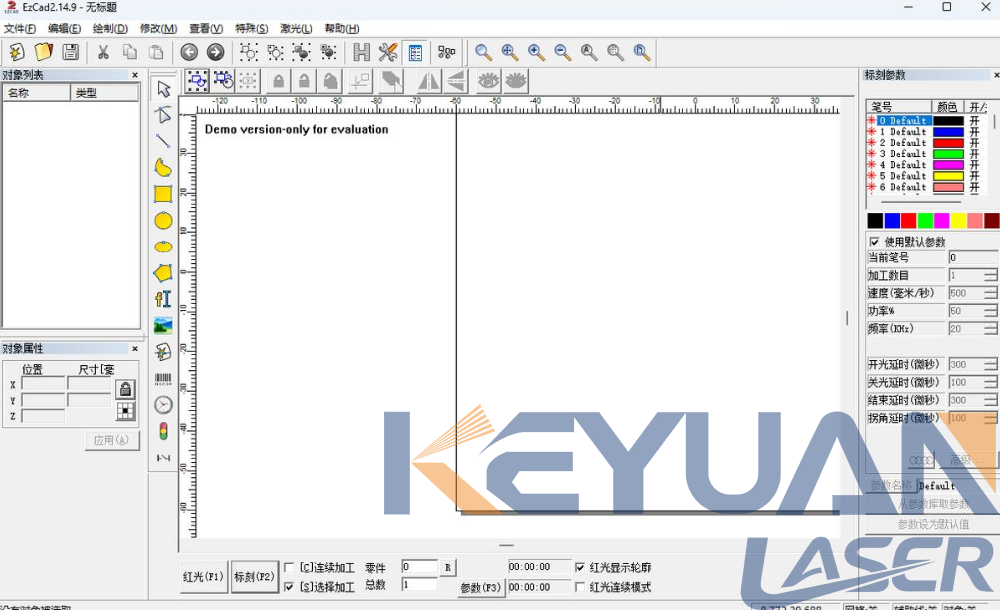
Most entry-level Desktop MOPA fiber laser marker units come preloaded with EZCAD, the industry-standard free laser marking software used by nearly all manufacturers globally. EZCAD supports all common graphic file formats including AI, DXF, PLT, BMP, and JPG, and features an intuitive drag-and-drop interface that requires only a few hours of training for new operators to master. It includes all the basic functionality you need for standard text marking, serial number engraving, barcode and QR code generation, and simple vector engraving tasks, making it the perfect choice for small workshops and hobbyist users.
For users operating a Color fiber laser marking machine focused on decorative metal color marking applications, most manufacturers supply specialized color marking software with pre-calibrated parameter templates for common materials including stainless steel, aluminum, and titanium. These pre-built templates eliminate the hours of trial and error normally required to achieve consistent, vibrant color marks, allowing you to produce high-quality decorative products immediately after setting up your machine.
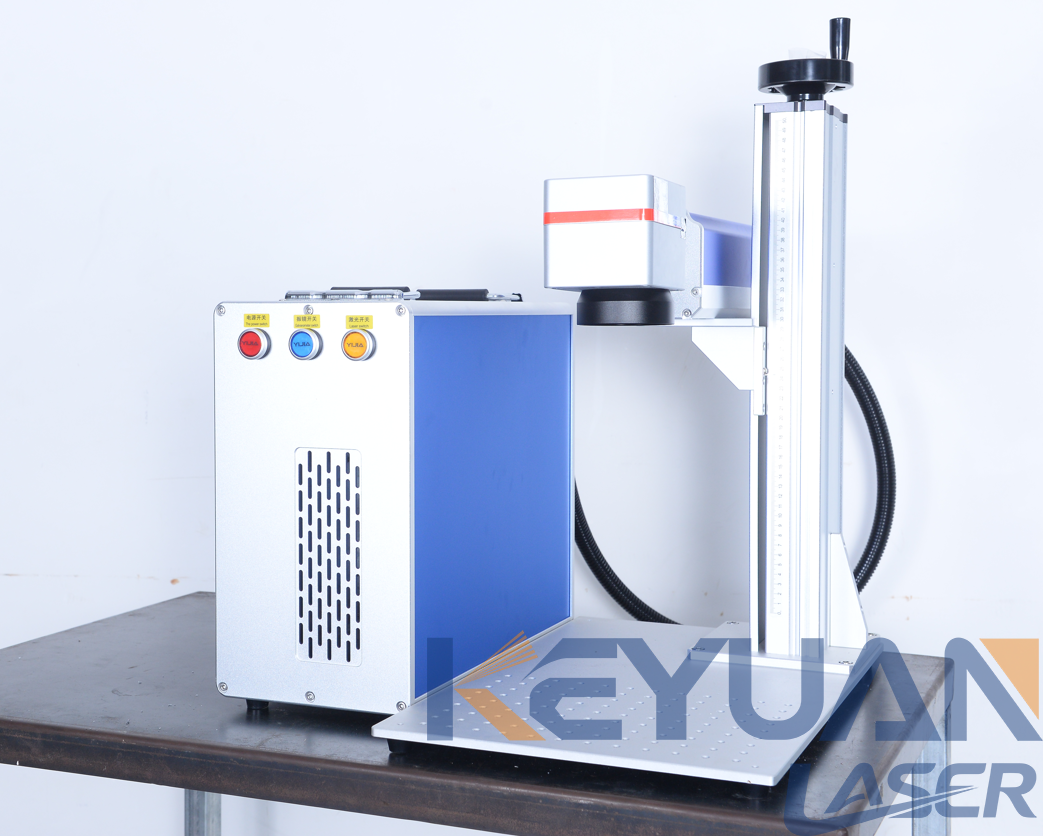
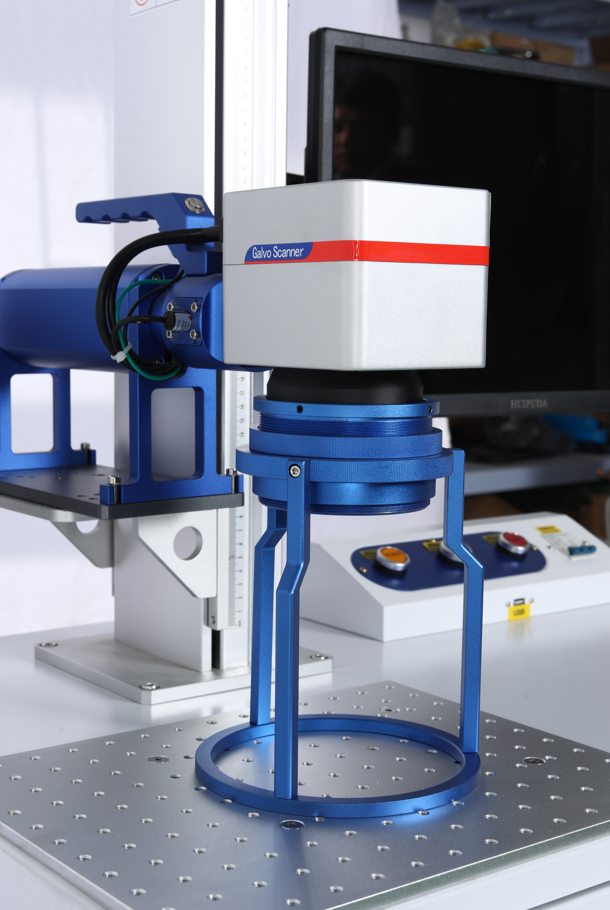
For industrial users with specialized production requirements, many suppliers offer custom software development services to integrate your laser system with existing production lines, inventory management systems, and data tracking platforms.
Purchasing Tips
Always purchase your MOPA fiber laser from a reputable Laser Marking Machine Supplier that provides permanent, license-free access to software updates and technical support. Avoid third-party or pirated software versions, which often come with hidden functionality limits, security vulnerabilities, and no technical support if you encounter issues during operation.
Legitimate suppliers will also provide free training resources and remote technical support to help you master your software and troubleshoot any issues quickly.
Conclusion
The right software will make operating your MOPA fiber laser simple and efficient, regardless of whether you’re running a small hobby shop with a Desktop MOPA fiber laser marker or an industrial production facility with a high-volume Color fiber laser marking machine. Always confirm software features and support policies with your Laser Marking Machine Supplier before purchasing to ensure you get all the functionality you need for your specific use case.
label:
related news


E-mail address:
Hotline:
Copyright © 2012-2026 Keyuan Laser All rights reserved