English
 Français
 Deutsch
 Русский
 Türkçe
 Español
 لالعربية
 Português
 Italiano
 ไทย
ไทย
UV Laser Marking Machine: Where It Beats Fiber and CO2
release time:
2026-10-13
Choose a marking laser by the surface in front of you: where a UV laser marking machine beats fiber and CO2, what each one costs to run, and when UV is wrong.
A shop called us last year after they had already bought a 30 W fiber laser. They mark silicone keypads and white ABS housings, and the fiber machine burned a brown shadow into every part. Nobody in the sales chain had told them that a metal-marking laser and a plastic-marking laser are two different tools.
That is the whole problem in one sentence. Pick the laser for the surface you are marking, not for the price list.
Start With the Surface, Not the Machine
Every marking laser works the same way. The material has to absorb the light, and the absorbed energy either heats the spot or breaks the chemical bonds right there. Which of those two happens decides whether you get a clean mark or a scorch.
The 355 nm wavelength inside a UV laser marking machine sits in the ultraviolet band. Most plastics, glass and painted surfaces soak it up strongly, so the beam does its work in a very thin layer and leaves almost no heat behind it. That is why the trade calls it cold marking. On a 0.8 mm ABS housing the mark is about 0.02 mm deep, and the part does not warp, gloss, or lift the label printed underneath.
The Three Marking Lasers in Plain Terms
| Laser | What it marks well | Where it struggles |
|---|---|---|
| UV, 355 nm | Plastics, glass, painted metal, PCBs, cable jackets | Deep engraving into steel |
| Fiber, 1064 nm | Stainless steel, aluminium, anodised and coated metal | Most plastics, glass, clear coatings |
| CO2, 10.6 micron | Wood, leather, acrylic, coated card, anodised aluminium | Bare metal |
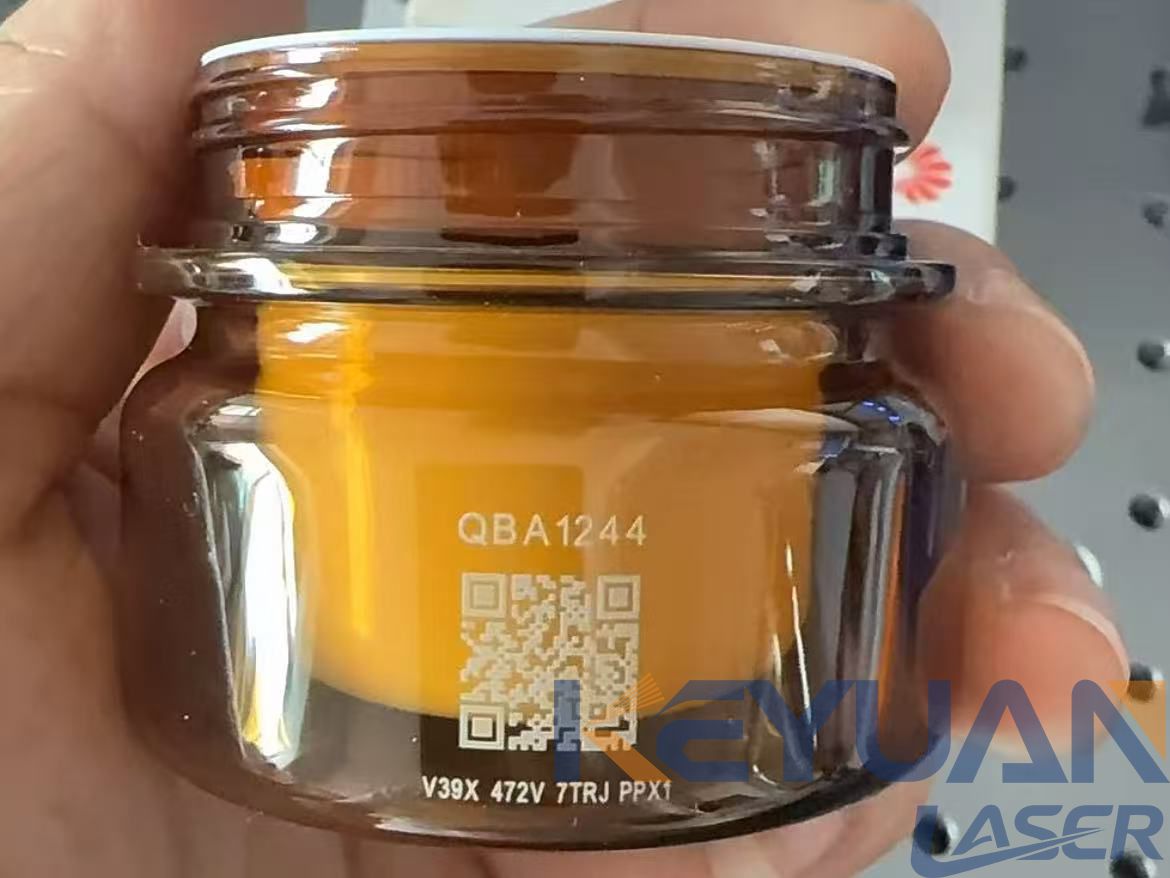
Read that table as three short job descriptions rather than three quality grades. A fiber laser is the cheapest way to mark metal and close to the worst way to mark white plastic. A CO2 tube is the workhorse for wood, leather and acrylic, and it will not touch bare steel at all. UV costs more than a fiber unit of the same size and handles the materials the other two damage.
If you want the machines side by side before you go further, our UV marking systems page lists the field sizes, wattages and standard options for each model.
Where UV Earns Its Price
Three jobs pay for a UV source, and it is worth writing them down before you sign anything.
Heat-sensitive plastics come first. White and light-coloured plastics are the classic case. A fiber laser turns them grey and a CO2 tube melts the surface, while UV leaves a dark, high-contrast mark with no visible damage. We have marked a lot of white polycarbonate, PVC and HDPE that way, and the part still passes a visual inspection afterwards.
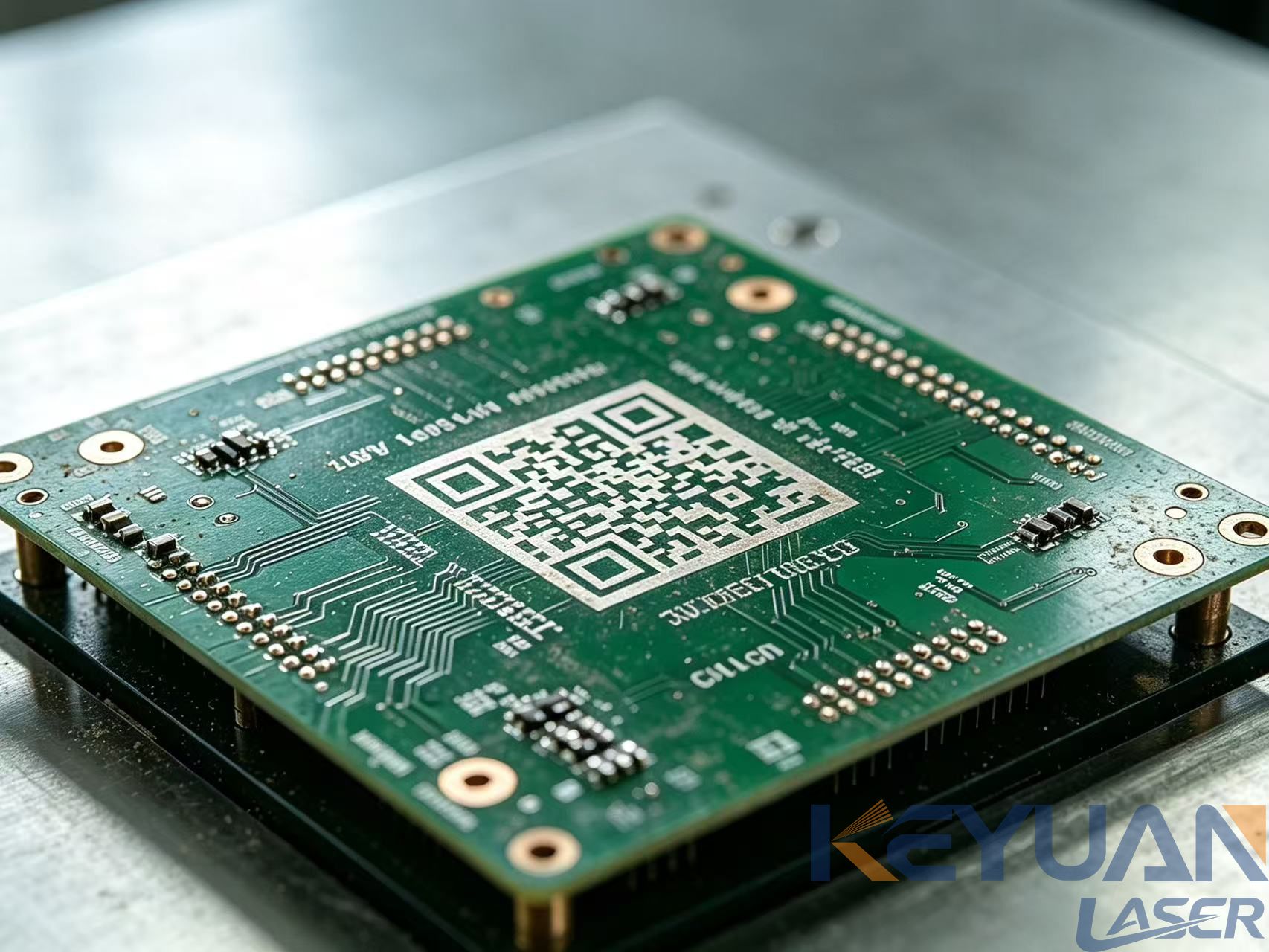
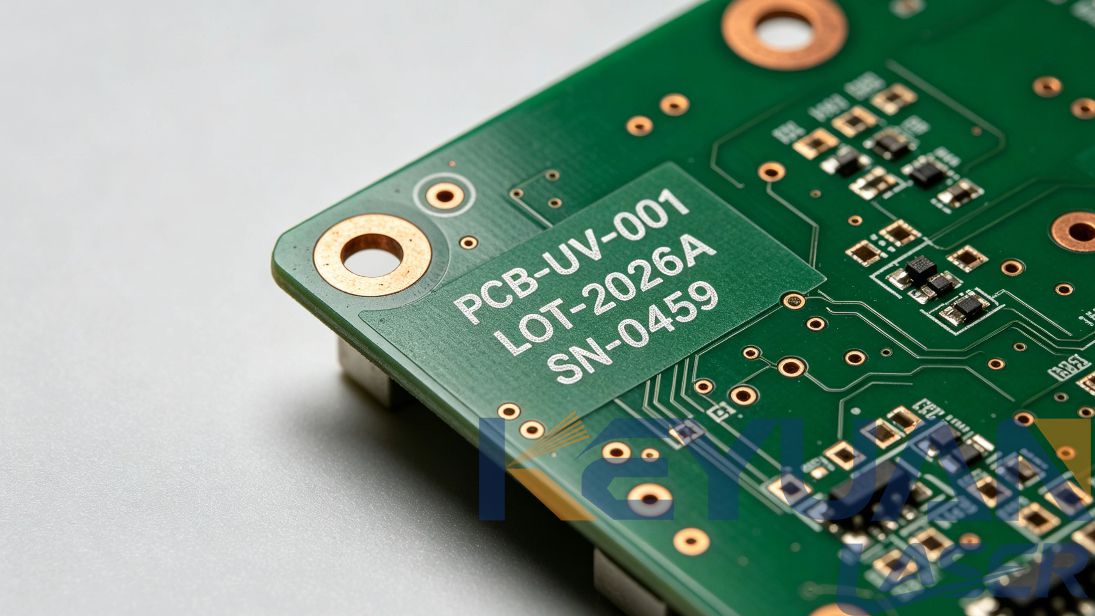
Electronics traceability is the second. Boards, connectors and cable jackets need a serial number that survives washing, reflow and handling. A fiber laser eats the solder mask. UV writes the same number in one pass on a populated board.
Glass and coated metal are the third. UV marks glass without the micro-cracks that crack later under heat, and it can mark straight through a paint or powder coating, so you skip the masking step entirely.
What Each One Costs to Run
| Item | UV | Fiber | CO2 |
|---|---|---|---|
| Source life | 15,000 to 20,000 hours | Around 100,000 hours | 3,000 to 8,000 hours per tube |
| Consumables | Almost none | Almost none | Tubes and gas refills |
| Speed on its best material | Slowest of the three | Fast | Fast |
| Where the money goes | The source and the optics | Lowest cost per part | Replacement tubes over the years |
The purchase price of a UV unit runs above a fiber unit with the same marking field, and the source is replaced sooner as well. That is the trade you are making. You are not buying a faster machine, you are buying a friendlier one for a narrow group of materials.
So the decision usually comes down to volume. If you mark a few hundred plastic parts a day and a fiber laser scrapes half of them, the scrap alone covers the difference within a year. If you mark twenty parts a week, a UV source is hard to justify on cost and you should be asking whether inkjet or pad printing is good enough.
When UV Is the Wrong Buy
UV is the wrong buy when the part in front of you is metal, and only metal. If ninety percent of your work is stainless tags, aluminium nameplates and anodised housings, buy fiber and keep the difference. The fiber marking machines we build cover that range at a fraction of the running cost, and a UV source will mark those parts slowly and shallowly for the next three years while you wonder why the machine feels sluggish.
It is also the wrong buy when you need depth. UV marks a surface, it does not cut a channel into it. Anything that has to survive years of abrasion, or be read through a thick layer of paint, belongs on a fiber or a CO2 machine.
And it is wrong when your bottleneck is throughput rather than scrap rate. UV is not a fast process, and no amount of tweaking changes that.
Many shops end up owning both. A split UV laser marking machine puts the source in a cabinet under the bench and the head on an arm, so it shares floor space with the fiber unit instead of asking for a second table. That layout is the reason we build the split version at all.
FAQ
Will UV mark metal?
Yes, but shallowly. It leaves a light contrast mark on stainless and aluminium that is fine for a logo or a date code. It will not engrave a deep number into a steel plate the way a fiber laser marking machine does, and on thick or reflective metal the process slows down a lot.
Does a UV mark fade?
No. There is no ink to fade. The beam changes the material itself, so the mark usually outlasts the coating around it. On some plastics the mark can be felt with a fingernail, on others it is purely a colour change in the surface.
How much power do I need?
3 W covers low-volume marking on plastics and glass. 5 to 10 W buys you speed, which matters as soon as the job stops being one part at a time. Above 15 W you are paying for throughput most small shops never use, so we usually steer buyers toward the middle of that range.
Can I mark white and black plastics on the same settings?
No, and this surprises people. Colour changes how deep the beam penetrates and how much contrast you get. Expect to spend an afternoon dialling in a recipe for each colour and each material you run.
The Short Version
A UV laser is a specialist, not an upgrade. It wins on plastics, glass, painted surfaces and electronics, and it loses on speed, on deep metal work, and on price. If most of your parts are metal, buy fiber. If a fiber laser keeps ruining your plastic parts, UV is the fix, and the scrap you stop throwing away will pay for it faster than any efficiency argument.
label:
related news


E-mail address:
Hotline:
Copyright © 2012-2026 Keyuan Laser All rights reserved