English
 Français
 Deutsch
 Русский
 Türkçe
 Español
 لالعربية
 Português
 Italiano
 ไทย
ไทย
MOPA Laser Marking: Color on Stainless Steel, No Ink Required
release time:
2026-10-08
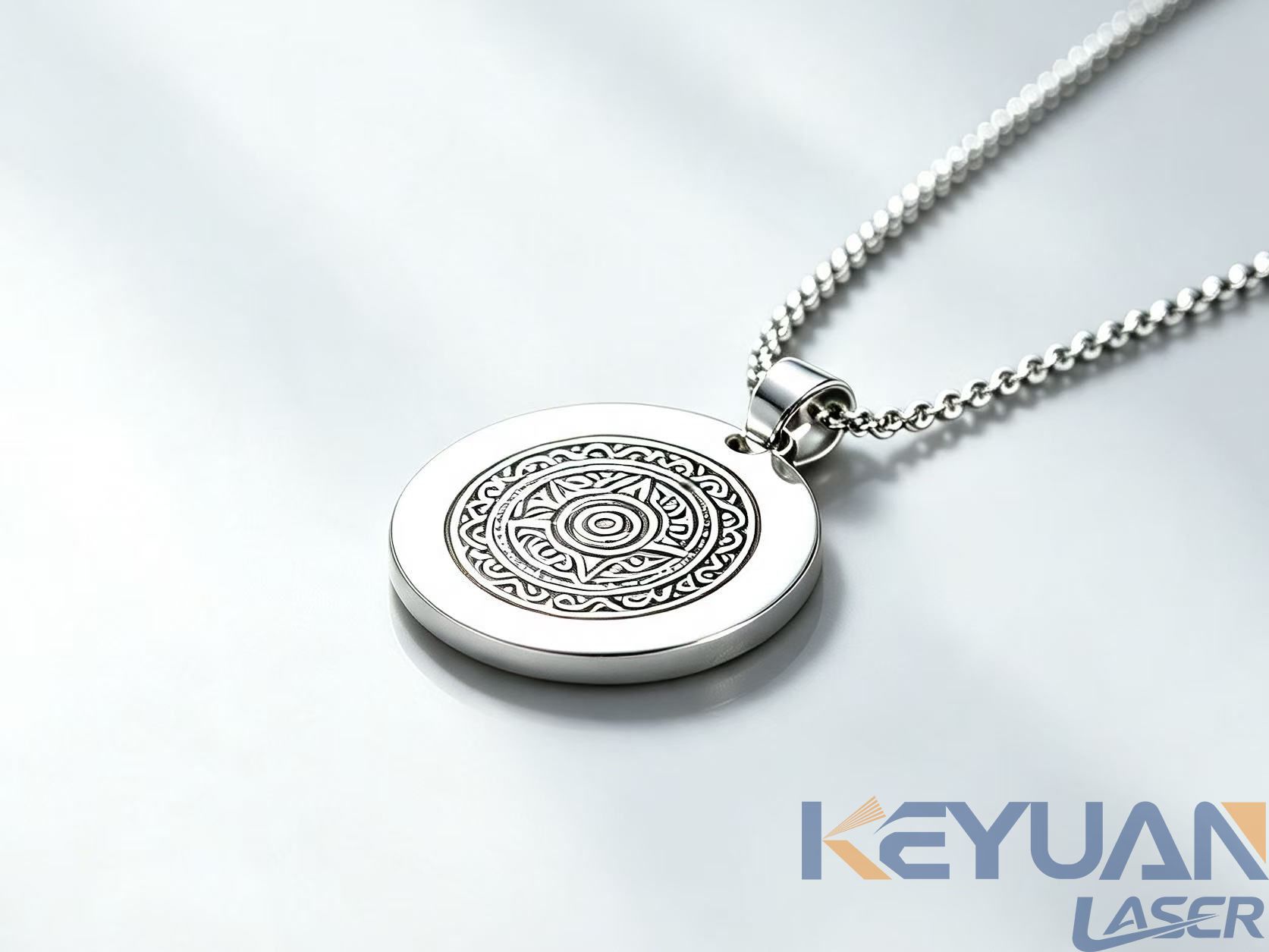
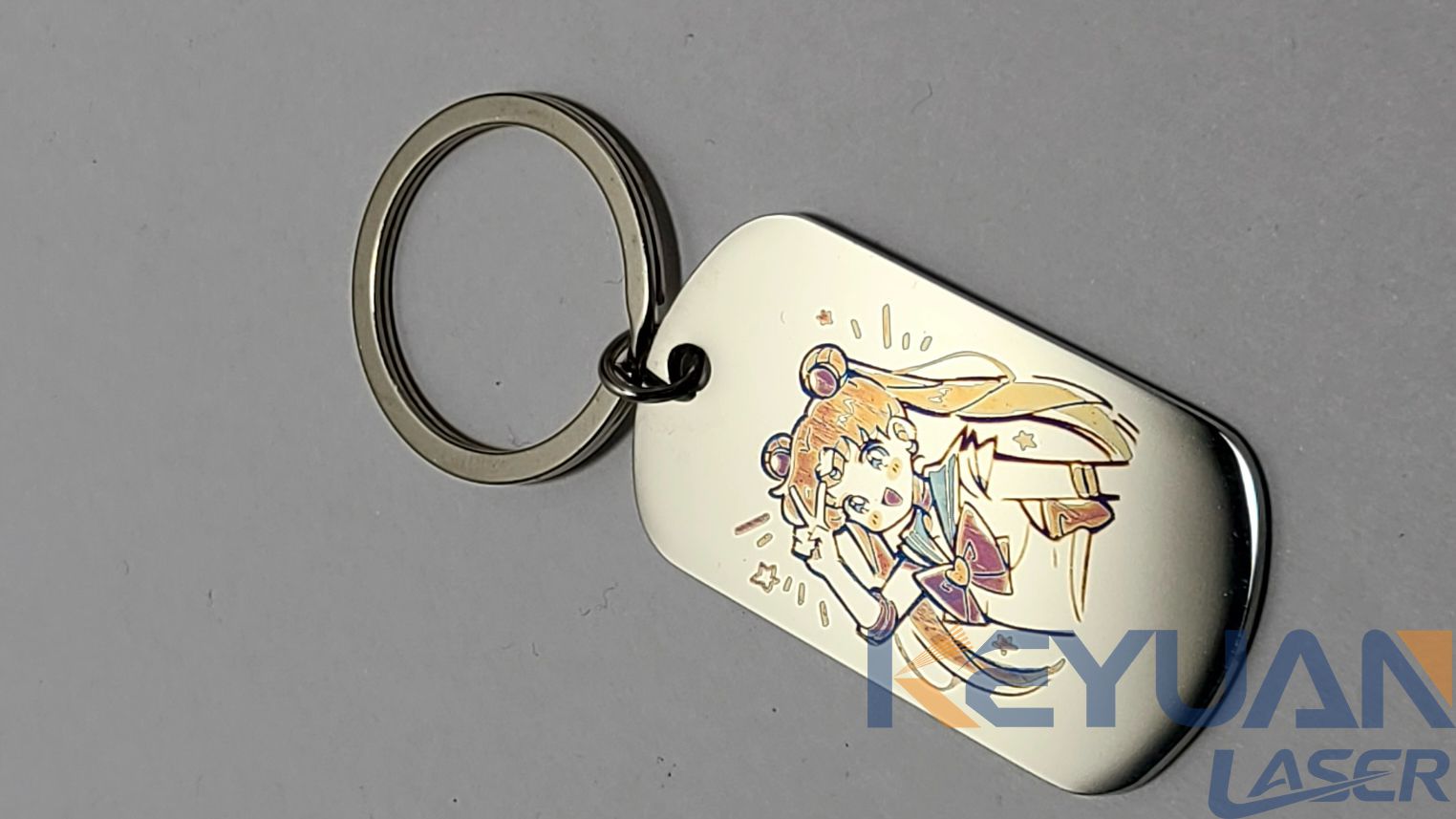
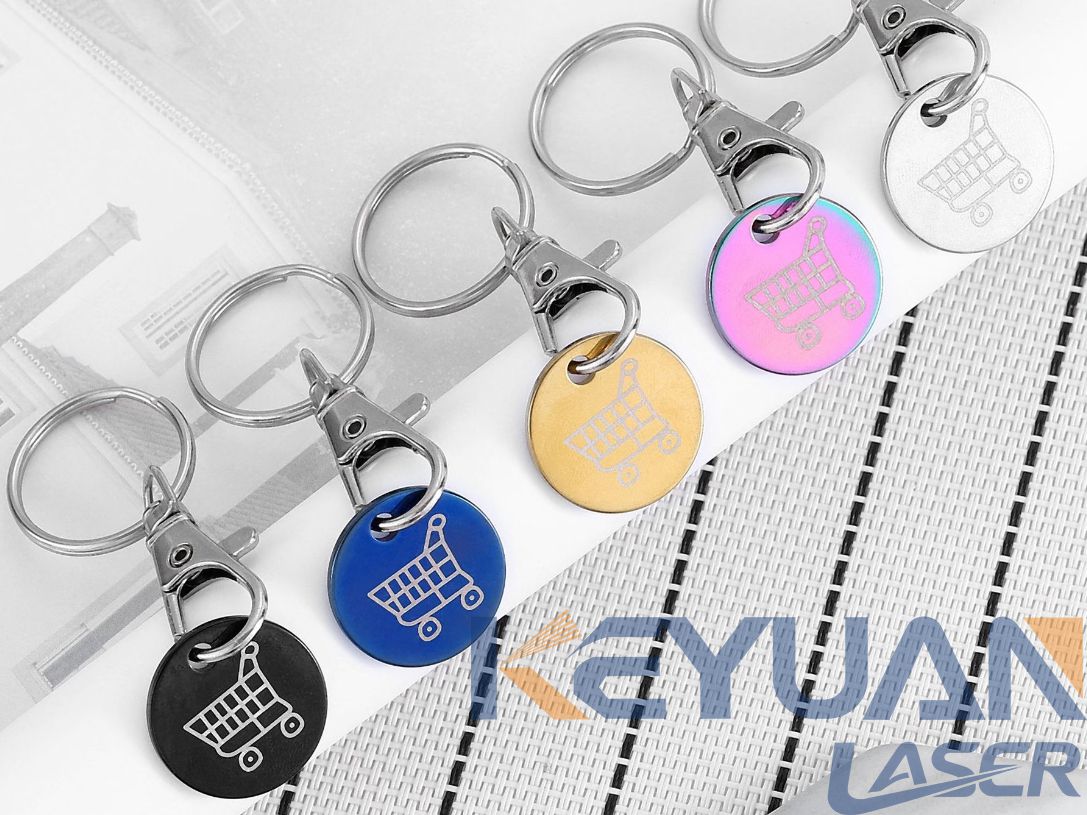
MOPA pulse-width control grows a chromium oxide film you can tune into gold, blue or black on stainless steel, and it will not make true red or green.
A buyer sent us two stainless nameplates last month. Same gold logo on both. One had been chemically etched and lacquer-filled by a subcontractor. The other came off a laser bench in about forty seconds, with no masking film, no rinse line and no waste permit.
At arm's length they were identical. On the invoice they were not.
That gap is why MOPA laser marking keeps appearing in quote requests from European and North American buyers, and why a fair share of those requests end in disappointment. MOPA is a genuinely different tool from a standard fiber marker, but it is not a color printer. Here is what it does well, what it refuses to do, and the parameter windows we actually run.
What MOPA Changes (It Is Not About Power)
Most people assume MOPA is a power upgrade. It isn't.
MOPA stands for Master Oscillator Power Amplifier. In a conventional Q-switched fiber marker the pulse width is more or less fixed by the cavity, usually around 100 to 200 nanoseconds, so frequency and power are your only dials. A MOPA source separates pulse generation from amplification and turns pulse width into a third dial. Typical heads run from about 1 ns to 350 ns while holding peak power reasonably steady.
That extra dial is what makes color possible. On stainless steel, color is not pigment sitting on the surface. It's a thin chromium oxide film that grows where the beam passes, and the film thickness decides which wavelengths survive the interference. Thin film, gold. Thicker, blue. Thicker still, purple or muddy brown.
So: MOPA buys you pulse control, and color is a consequence.
Why Stainless Behaves Differently From Mild Steel
You can mark 304 or 316 stainless with almost any fiber laser. You can only get predictable color on it with pulse-width control, and even then the alloy matters.
Chromium content drives the oxide. 304 colors more readily than 316, which carries molybdenum and turns stubborn in the blue and purple range. A brushed cold-rolled finish reads differently from a mirror polish, because surface roughness scatters part of the beam and changes how evenly the film grows. Titanium colors easily and is the most forgiving metal here. Mild steel is not, you get gray, then brown, then a pitted black.
This is the first place we lose people. A buyer sees a gold sample and assumes gold is available on the material they actually run. The sample was 304; their part is 316 with a mirror finish. Send us the alloy and the finish before you get attached to a color.
The Four Parameters That Decide Color
Once pulse width is in play, four settings do nearly all the work. Frequency, average power, marking speed, and line spacing (hatch). They interact, so treat any table as a starting point and not a recipe.
| Parameter | What it controls | Where we usually start |
|---|---|---|
| Pulse width | Oxide depth per pulse, so the color family | 200-350 ns for gold, 20-60 ns for blue and purple |
| Frequency | Overlap between pulses, so color evenness | 200-600 kHz for color, 20-80 kHz for deep engraving |
| Average power | Energy budget over the whole mark | 15-35% for color, 80-100% for engraving |
| Marking speed | How long each spot is exposed | 300-900 mm/s for color, 800-2000 mm/s for text |
| Hatch spacing | How tightly passes sit next to each other | 0.01-0.03 mm for color, wider for engraving |
Two practical notes that no parameter sheet will give you.
First, the surface has to be clean and consistent. Fingerprints and cutting oil produce blotchy color faster than anything else. Wipe with isopropyl alcohol, let it dry, then don't touch it.
Second, color is the last thing to stabilise. On a fresh setup, burn a 6x6 grid of pulse width against speed on scrap of the same alloy and finish, then pick the cell that looks right under the lighting the customer will actually use. Showroom light flatters everything.
Which Colors You Can Actually Get
Here is the part where most sales material gets vague, so let's be direct.
| Color | Difficulty on 304 | Notes |
|---|---|---|
| Black | Easy | High frequency, defocused, low power. The most consistent color on stainless. |
| Dark gray | Easy | The default outcome of almost any setting. Rarely what the buyer wants. |
| Gold / amber | Easy | The most requested and the most repeatable warm color. |
| Blue | Moderate | Sensitive to alloy. Test on 316 before promising it. |
| Purple / violet | Moderate | Sits on a narrow energy shelf between blue and brown. |
| Green | Hard | Achievable on some titanium grades. On stainless, expect muddy. |
| True red | Not realistic | You get red-brown at best. This is a physics limit, not a settings problem. |
If the design needs true red, green, or a brand Pantone match, laser color marking is the wrong process and no parameter tuning will rescue it. Have that conversation in week one, not after you have tooled up.
Durability deserves a mention. The oxide film is a few hundred nanometres thick. It survives handling, cleaning and mild abrasion, and it is tougher than a printed decal. It is not as tough as chemical etching, and a sanding belt will take it off. Test with tape and a light polish before you commit a batch, and specify a clear coat if the part lives outdoors in salt air.
MOPA vs the Alternatives
The right question is rarely "MOPA or not" but "which of these four processes fits this part and this volume."
| Process | MOPA laser | Standard fiber laser | Chemical etching | Screen printing |
|---|---|---|---|---|
| Setup cost per design | Near zero | Near zero | High, needs artwork and mask | Moderate, needs a screen |
| Cost per part at 1,000 pcs | Low | Lowest | Moderate | Low |
| Cost per part at 20 pcs | Same as above | Same as above | Very high | High |
| Color capability | Wide, on stainless and titanium | Mostly black and gray | Wide but ink-based | Any Pantone |
| Durability | Good, film-based | Excellent, deep and permanent | Excellent | Poor outdoors |
| Environmental load | None | None | Acid waste stream | Solvent inks |
| Best fit | Branded metal goods, variable data | Traceability, deep engraving | Long runs, one fixed design | Plastics, low-temperature substrates |
The pattern that shows up in real quotes: MOPA wins on small and medium batches where the design changes, and on any part where you want color without a chemical line. Etching and printing still win on very long runs of one artwork, or when the color has to match a brand standard exactly.
Where It Does Not Pay Off
We steer buyers away from MOPA in four cases.
If you only ever need black on flat parts, a standard fiber laser marking machine at the same wattage costs less and does the job. The color dial is dead weight.
If you're marking transparent plastics, polycarbonate lenses or packaging film, MOPA is the wrong wavelength. At 1064 nm the beam passes straight through most clear plastics. That belongs to a UV laser marking machine at 355 nm, which marks by cold ablation rather than heat.
If you need 0.5 mm of engraving depth in 6 mm steel, that is a deep-engraving setup with high power and low frequency, not a 60 W color machine. Don't ask one head to do both jobs well.
And if your parts are large, heavy, or welded into a frame that can't come to the bench, a handheld laser marking machine makes more sense. It won't match a fixed gantry for repeatability, and you trade some color consistency for portability. For touch-up work on a line, that trade is usually worth it.
What to Specify When You Buy
A short list, in order of how much it will affect your life.
Power. 20 W covers color and light engraving for most branded metal work. 60 W is the sweet spot if you also cut thin foils or engrave deeper. Go to 100 W only for genuine deep engraving.
Lens. A 110 mm lens gives roughly a 70x70 mm field with a fine spot, which suits color. Longer lenses buy field size and cost you spot size. If the part is 150 mm wide you need the bigger lens, and you accept coarser color.
Rotary axis. Marking rings, tubes or cylindrical handles without a rotary fixture is guesswork. Budget for one.
Enclosure. Class 1 with fume extraction, not an open bench. Oxide marking smells like burning metal because that's what it is.
Software. You want a workflow that takes your existing vector files without redrawing, and stores parameter libraries per material. Parameter recall matters more than it sounds once eleven jobs are in rotation.
Most MOPA laser marking machine units in this class ship as desktop enclosures with a manual door and a fixed Z axis. If your production runs long shifts, ask about duty cycle and cooling before price.
Daily Reality on the Bench
Three things nobody mentions in the brochure.
Focus drifts when part thickness changes, and a 1 mm focus error is visible on a color job. Use a gauge at every fixture change, not once a week.
Color shifts as the tube warms up. On a cold morning the first twenty minutes can read different from the afternoon. If the customer is picky about match, warm the machine and verify on scrap before the batch.
Consumables are cheap: optical tissue, IPA, one spare focal lens a year. Set that against a chemical etching line's waste handling and the operating argument settles itself.
FAQ
How long does a MOPA machine take to mark a logo on stainless?
It depends on the filled area, not the outline. A 30x30 mm logo in solid color runs 20 to 60 seconds at moderate power. Line art or variable data like serial numbers can finish in under a second per part.
Can MOPA produce a true black on stainless steel?
Yes, and it's the most reliable color it makes. High frequency, moderate power, slightly defocused. It reads as a matte charcoal rather than a glossy black, and it survives normal handling.
Will the color fade outdoors?
Indoors and under normal industrial handling, no. Outdoors, the oxide film can shift over a few years in direct sun and salt air. Specify a clear coat for exterior parts.
Is MOPA worth it if I only need black marks?
Usually not. A standard fiber marker at the same power costs less and holds a more contrast-stable black with a simpler setup. Buy MOPA for the color range, or to switch between color and engraving on one machine.
Can I mark color on titanium with a MOPA laser?
Yes, and titanium is more forgiving than stainless. You get a wider range including green, and the oxide forms faster. The same caveats about surface prep and warm-up apply.
The Short Version
MOPA gives you a pulse-width dial, and that dial buys an oxide film you can tune into a specific color. On stainless and titanium that means gold, blue, purple and a genuinely good black, with no chemistry and no per-part cost. It won't give you true red or green, it won't mark clear plastics, and it isn't the cheapest way to produce plain black text.
Tell us the alloy, the finish, the part size and the batch size, and we'll tell you which configuration gets the color you're after.
label:
related news


E-mail address:
Hotline:
Copyright © 2012-2026 Keyuan Laser All rights reserved